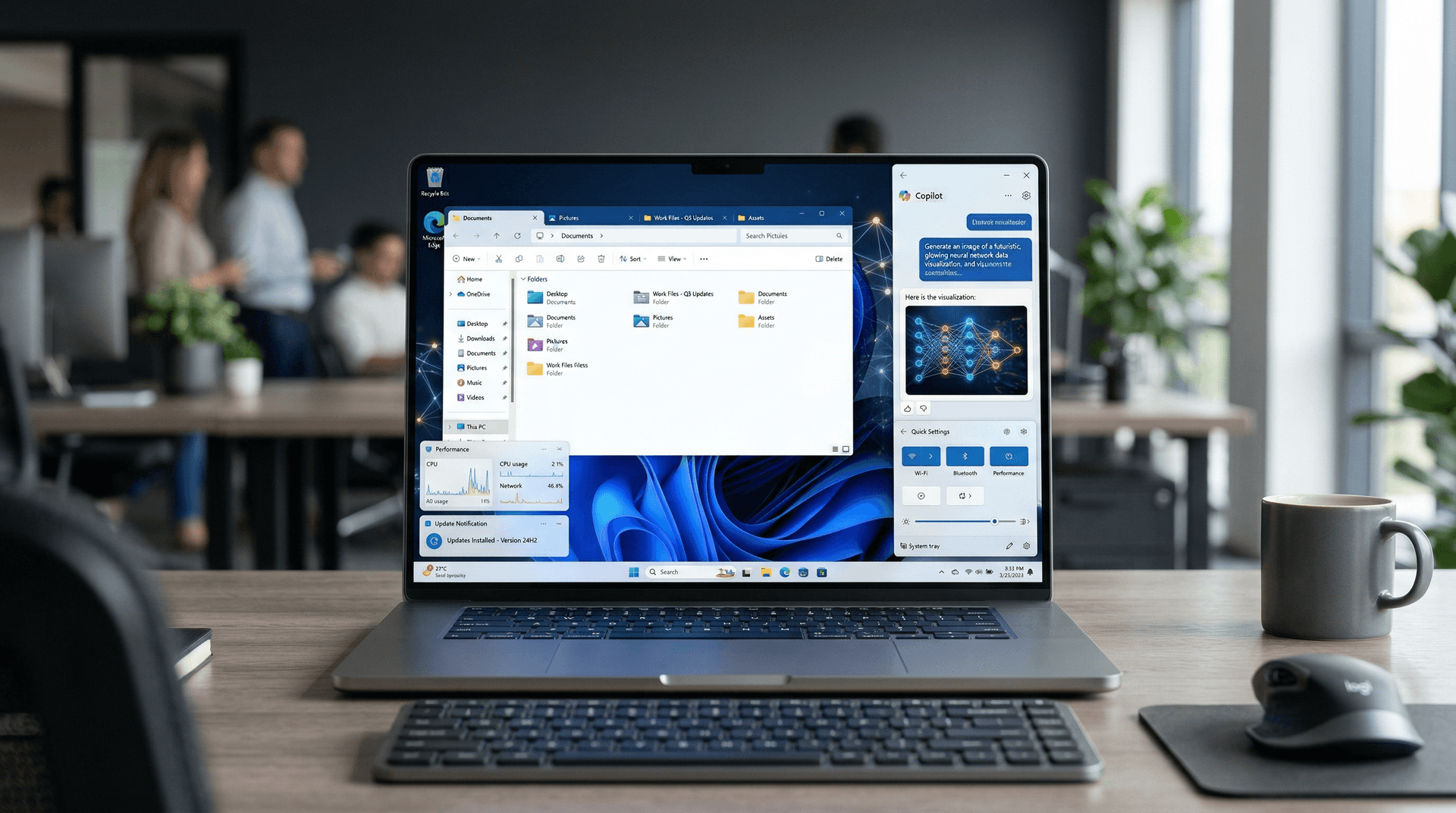
As of October 1, 2024, Microsoft has kicked off the phased rollout of Windows 11 version 24H2, also known as the 2024 Update, to Home and Pro edition users via Windows Update. This annual feature update promises to elevate the user experience with deeper AI integrations, refined performance, and modernized tools, positioning Windows at the forefront of AI-driven computing. For businesses and consumers alike, 24H2 represents Microsoft's commitment to evolving the OS in tandem with hardware advancements like Copilot+ PCs.
A Phased Rollout for Safety and Compatibility
Unlike blanket releases of the past, Microsoft is employing a cautious, intelligence-driven rollout. Using telemetry data from Windows Insiders and Safe Deployment Zones—real-world enterprise testing—the update prioritizes devices with proven compatibility. As of October 20, 2024, millions of PCs worldwide have received the update, but full saturation is expected over the coming months.
Users can check for the update manually via Settings > Windows Update. Compatible hardware includes 8th Gen Intel or AMD Ryzen 2000 series CPUs and newer, with TPM 2.0 and Secure Boot enabled. Copilot+ features, however, require Neural Processing Units (NPUs) found in newer Snapdragon X Elite/Plus, AMD Ryzen AI 300, or Intel Core Ultra laptops.
Early reports indicate smooth adoption, though some users have noted minor hitches like app incompatibilities, which Microsoft addresses through optional updates. The company emphasizes that 24H2 builds on Windows 11 23H2 without requiring a clean install for most.
AI at the Core: Copilot and Beyond
The headline act is enhanced Copilot integration. Now a standalone app accessible via taskbar or Win+C, Copilot+ PCs unlock advanced capabilities like Recall (currently preview, allowing timeline-based search of PC activity) and Click to Do (contextual AI actions from screenshots). Live Captions now support 44 languages, transcribing audio in real-time with speaker identification—a boon for accessibility.
Other AI perks include:
- Cocreator in Paint: Generate and edit images with text prompts.
- Image Creator in Photos: AI-powered editing and restyling.
- Microsoft Photos restores from iCloud: Seamless Apple ecosystem sync.
These features leverage on-device processing for privacy, reducing cloud dependency. For developers, Windows ML now supports DirectML for cross-platform AI acceleration.
Redesigned File Explorer and Productivity Boosts
File Explorer gets a facelift with a modernized Home view, displaying recent files, favorites, and quick actions. Tabs are here to stay, with improved search and contextual recommendations. The new Quick Settings flyout streamlines Wi-Fi, Bluetooth, and brightness toggles.
Productivity shines with Snap Layouts enhancements, auto-suggested layouts for multitasking, and Focus modes (Do Not Disturb, Work Hours) integrated into Settings. Energy Recommendations dynamically optimize power usage, extending battery life on laptops by up to 10-15% in tests.
Under the Hood: Performance and Security Upgrades
Built on a refined kernel, 24H2 introduces Wi-Fi 7 support and a Rust-based Wi-Fi driver for crash-proof networking. Storage efficiency improves with better compression algorithms, shrinking OS footprint by up to 700MB on SSDs.
Security sees Credential Guard on by default for Pro editions, alongside enhanced Windows Hello and Passkeys. Sudo for Windows—a Linux-inspired command—elevates privileges in PowerShell without full UAC prompts, aiding IT pros.
Gaming benefits from Auto HDR expansion and DirectStorage optimizations, while HDR background support brings vibrant wallpapers to life.
Enterprise and Developer Tools
For IT admins, Windows 24H2 introduces Endpoint Privilege Management preview and refined Autopatch. Configuration Service Provider (CSP) updates ease MDM integration. Developers gain Dev Drive (Resilient File System for faster builds) and updated Windows Subsystem for Linux (WSL) with systemd support.
Microsoft's push aligns with Azure Arc and Intune, ensuring hybrid workforces stay secure. The update also paves the way for future AI models via Phi Silica and smaller LLMs running locally.
Challenges and User Feedback
Not all smooth sailing: Some NVIDIA GPU users reported bluescreens due to driver conflicts, resolved by update KB5043080 on October 8. Popular apps like AutoCAD and Minitab needed patches. Microsoft urges checking the Windows release health dashboard before updating.
Community forums buzz with praise for snappier performance—boot times down 20% on tested hardware—and Copilot's utility. Critics note Recall's privacy risks (opt-in snapshots), prompting Microsoft's mitigations like encryption and delete options.
Looking Ahead: The AI PC Era
Windows 11 24H2 cements Microsoft's vision of 'AI PCs' comprising 40% of OEM shipments by year-end. With over 325 million monthly active Windows 11 devices, this update accelerates the shift from traditional PCs to intelligent companions.
As competitors like macOS Sonoma and ChromeOS evolve, Microsoft's ecosystem—Copilot, Edge, Office—ties it together. Expect 24H3 in 2025 with even bolder AI. For now, 24H2 delivers tangible gains, making Windows 11 more capable than ever.
In summary, the 24H2 rollout is a masterclass in measured innovation. Whether you're a gamer, creator, or enterprise user, this update invites you to experience Windows reimagined. Stay tuned to Latico News for ongoing coverage and tips.
(Word count: 912)